
Most AI quiz maker comparisons act like every tool is doing the same job. They are not.
A student turning lecture notes into a practice test needs something very different from a business creating a product recommendation quiz. A trainer presenting to a room full of people needs something different again. The best AI quiz maker depends on what you expect the AI to finish for you.
I co-founded Interact, so I have a point of view in this comparison. I am not going to hide that. I also do not think it is useful to rank four different products with a fake universal score. I am comparing the context each tool accepts, what it actually produces, how the logic works, where the quiz gets used, and how much work remains for a human.
The short answer
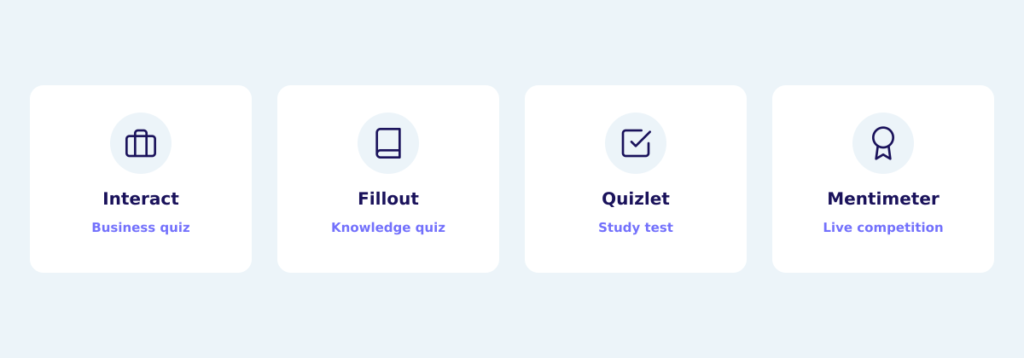
| Tool | Best fit | AI starts with | What it produces |
|---|---|---|---|
| Interact | Business or lead generation quiz | Website, pasted content, business context | Editable draft with title, questions, answers, outcomes, and proposed mapping |
| Fillout | Knowledge or trivia quiz you can score | Description or source text; difficulty and design | Interactive quiz ready for scoring, ending, design, and publishing edits |
| Quizlet | Study and classroom practice | Notes, file, or flashcard set | Practice test with questions, score, and answer review |
| Mentimeter | Live class, meeting, workshop, or event | Prompt, pasted text, notes, or document | Interactive presentation with live quiz slides and leaderboards |
The useful comparison is not which company has the smartest AI. It is whether the AI produces the kind of finished quiz you actually need.
What counts as an AI quiz maker?
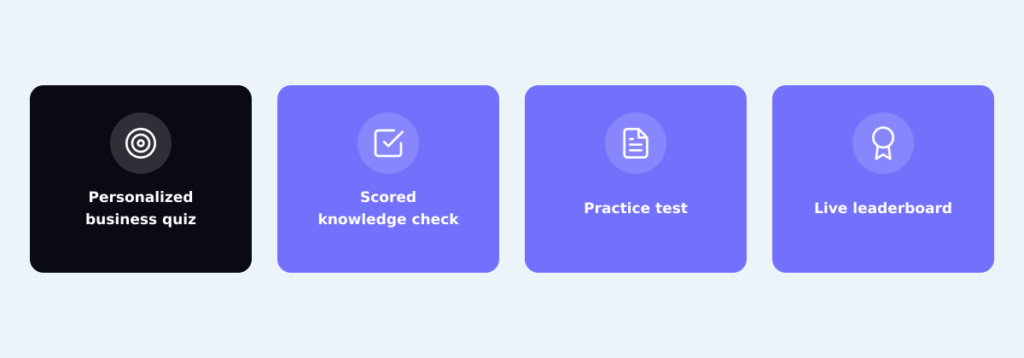
An AI question generator and an AI quiz maker are not always the same thing.
A question generator can give you ten multiple-choice questions about World War II. That may be all you need. But you may still have to move the questions into software, set the correct answers, add scoring, write feedback, design the experience, and decide what happens when someone finishes.
A business quiz can require another layer. The answers need to point toward an outcome or recommendation. The outcome needs to explain what the person got, why it fits, and what to do next. If the quiz is for lead generation, the opt-in and follow-up path matter too.
A complete AI quiz builder does more of that assembly. It puts the generated content into a working quiz and connects the questions to the score, outcome, or experience the quiz taker receives. Neither approach is automatically better. The question is how much of the finished object you need the AI to build.
How I compared these tools
I used five practical criteria:
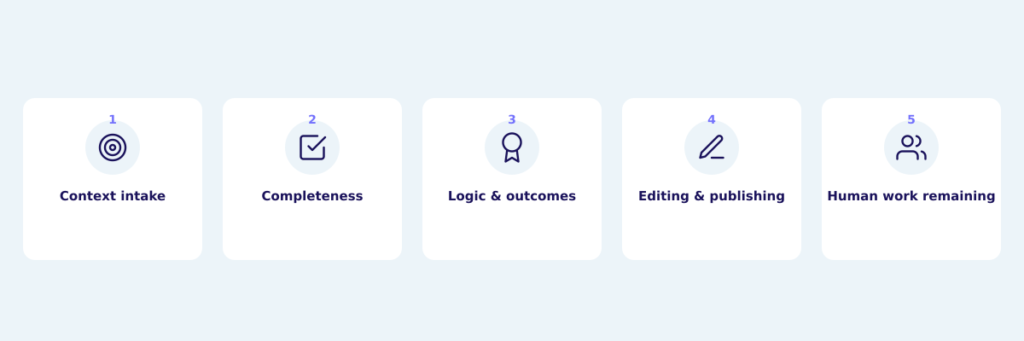
- Context intake. Does the AI begin with a short prompt, source material, a website, or a fuller description of the business and audience?
- Completeness. Does it generate questions, or does it build a working quiz?
- Logic and outcomes. Does it connect answers to scores, correct-answer feedback, personality outcomes, or recommendations?
- Editing and publishing. Where do you refine the quiz, and how do people eventually take it?
- Human work remaining. Which important decisions still depend on your expertise?
I did not compare prices or free-plan limits here. That is a different decision, and we cover it in the separate free quiz maker comparison. I also did not run a model-intelligence benchmark. These products are meant to create different things, so a single prompt would not be a fair test of their intended jobs.
1. Interact: Best for a complete business quiz
The Interact AI quiz maker can read a website or use pasted content as its starting point. A homepage can provide broad business context. A specific product page, campaign page, blog post, or course page can give the AI a tighter source.
You can also describe your business, products or services, customer benefits, audience, and what makes your approach different. Interact uses that material to create a quiz that starts much closer to your content and voice than a generic prompt.
I would not claim that it copies your voice perfectly. It does not. The value is that the first draft is grounded in language and ideas that already exist in your business, so you have something relevant to react to.
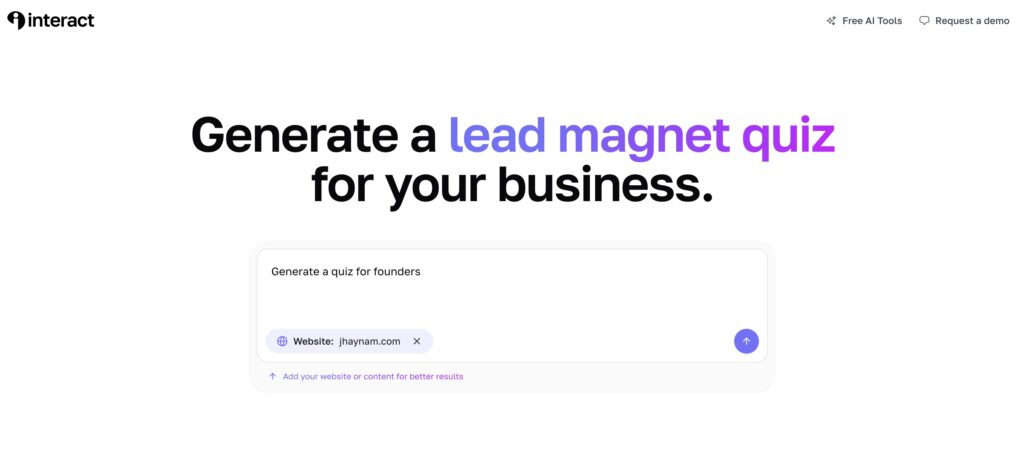
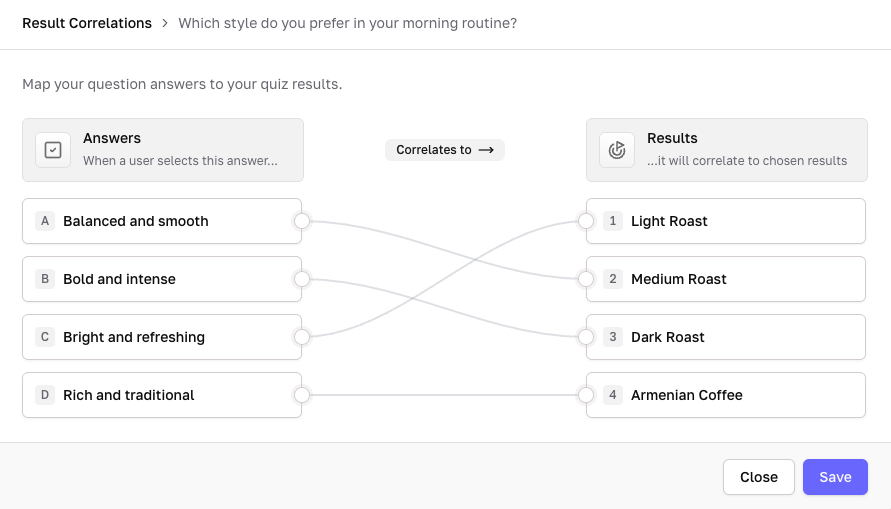
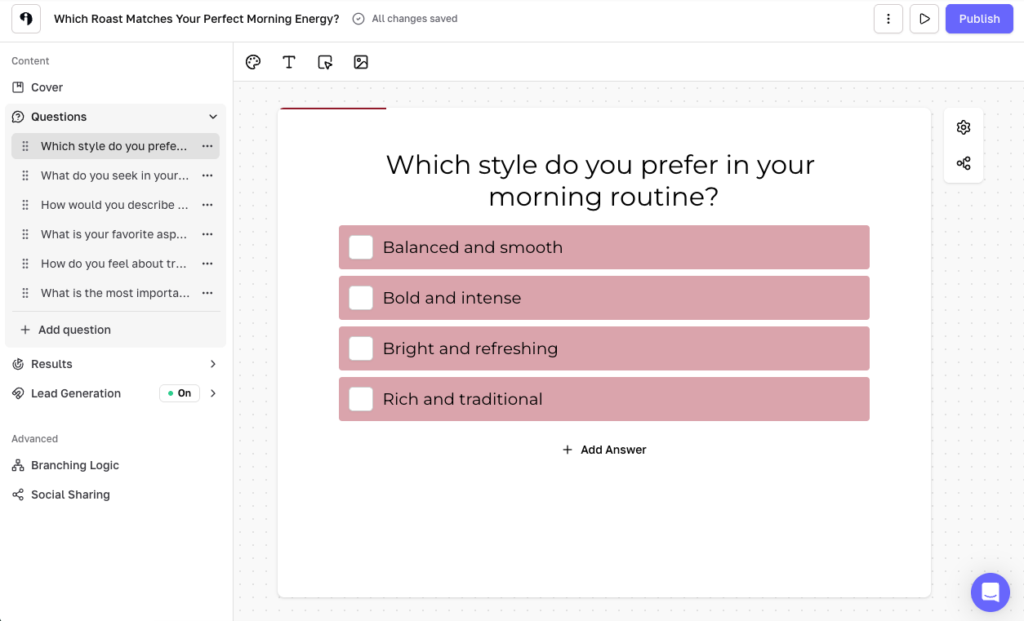
Interact then builds the quiz inside the actual quiz builder. The draft can include the quiz concept and title, outcomes, outcome descriptions, questions, answer choices, and a proposed structure that maps answers toward the outcomes. In Interact we call those end screens results. The more common term is quiz outcome pages.
You can open the complete draft, change the wording, add or remove questions, edit the outcomes, and review the answer correlations or scoring before publishing. This matters because the hard part of a business quiz is rarely coming up with ten questions. The hard part is making sure the questions lead somewhere useful.
Imagine you are a career coach whose audience keeps asking, “What kind of career should I pursue next?” A generic AI tool can brainstorm questions. Interact can use your site to create a starting version of a career-type quiz that reflects the people you help, the ideas you teach, and the services you offer.
Or imagine you sell several products that solve different versions of the same problem. The AI can use a product page and your added business context to draft a recommendation quiz. You still decide whether the outcomes are right and whether you would give each recommendation to a real customer.
We see established creators and larger marketing teams use Interact AI even when they have writers, strategists, and subject-matter experts available. They are not using it because they cannot write. They use it because a context-aware first draft gives the team a helpful starting point.
The documented AI flow is especially clear for personality-type quizzes, knowledge assessments, and product or service recommendation quizzes. The wider Interact platform also supports the Scored and Categories quiz types. Whatever structure you use, the human expert should review the final logic and recommendations.
For lead generation, Interact can place an opt-in form before the result, segment people by their outcome and answers, and publish the quiz by link or on a website. Those are the pieces that turn generated quiz content into a business workflow.
Interact is the best fit in this group when you want a complete business quiz with personalized outcomes. If you need a study test or a room full of people competing live, the specialized tools below will fit that job better.
2. Fillout: Best for a quick knowledge quiz
Fillout’s AI Quiz Maker turns a description or pasted source text into an interactive quiz. You choose a difficulty and design, generate the quiz, and then open it in Fillout’s form editor.
This is useful when the source material can become questions with identifiable correct answers. You could paste part of an employee handbook and make an onboarding knowledge check. You could use a product training guide to test a sales team. You could turn an article about coffee brewing into a trivia quiz.
After generation, Fillout lets you add or change questions, adjust the design, set up scoring, choose ending-page behavior, collect responses, and publish a shareable link. You can also add an email field if you want to identify the people who complete it.
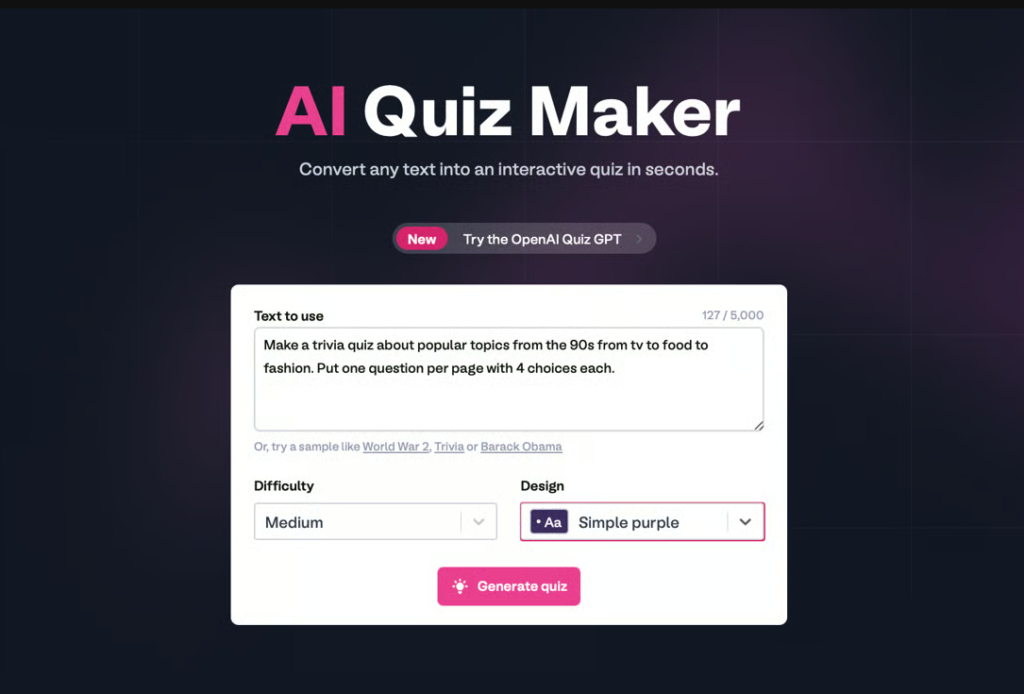
The documented AI quiz flow begins with a description or source text rather than a website-reading workflow. That makes it fast for a bounded topic. It also means that a business-specific personality or recommendation quiz will require more strategy and setup from you.
You may need to define the outcomes, decide how answers should map to them, write the recommendation language, and connect the result to the next step in your customer journey. Fillout gives you flexible form, scoring, logic, and ending tools, but the AI is not making those business decisions for you.
Choose Fillout when you want a quick knowledge quiz and like the flexibility of a general form builder. Choose Interact when the main job is turning business context into personalized outcomes and a lead generation path.
3. Quizlet: Best for AI practice tests
Quizlet is the clearest fit when the goal is learning.
Quizlet Practice Tests can begin with pasted notes, an uploaded file, or an existing flashcard set. You choose the number of questions, the question type, and a timer. After you submit the test, you receive a score and can review your answers.
The current practice-test workflow supports multiple-choice and written questions. The feature requires English, and access or eligibility can vary by plan, age, and location. Quizlet also has separate study and classroom workflows built around flashcards, tests, assignments, and progress.
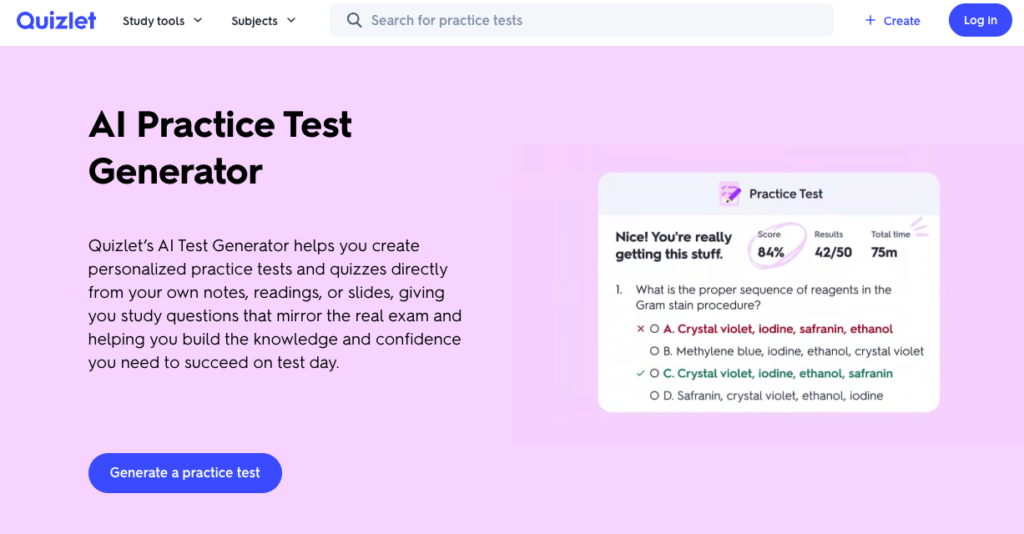
A nursing student could turn lecture notes into a test before an exam. A history student could use a reading to check which dates and arguments they remember. A teacher could use Quizlet’s broader assignment tools to distribute study material and review student progress.
The logic is based on whether an answer is correct. The useful output is a score and a review of what the learner missed. Quizlet is designed for study and classroom assessment rather than a personalized customer outcome and marketing follow-up.
The human responsibility is accuracy. Check whether the questions represent the source material correctly, especially when the content contains technical definitions, formulas, dates, or anything else where a small error could teach the wrong thing.
4. Mentimeter: Best for a live audience quiz
Mentimeter’s AI Creator is built around a group participating together. You can begin with a prompt, paste text, or upload notes or a document. The AI creates a designed first-draft presentation, which Mentimeter calls a Menti, and you can refine it through the AI chat or the regular editor. Mentimeter currently labels AI Creation as beta and tells users to review the output because it can make mistakes.
The draft can include headlines, questions, answer choices, and a mix of interactive and static slides. Mentimeter’s AI quiz page describes multiple-choice, true-or-false, open-ended, and polling questions.
There is one important scoring detail. Mentimeter distinguishes ordinary question slides from Quiz Competition slides. Only its Select Answer and Type Answer Quiz slides calculate competition scores. An interactive question is not automatically a scored quiz question.
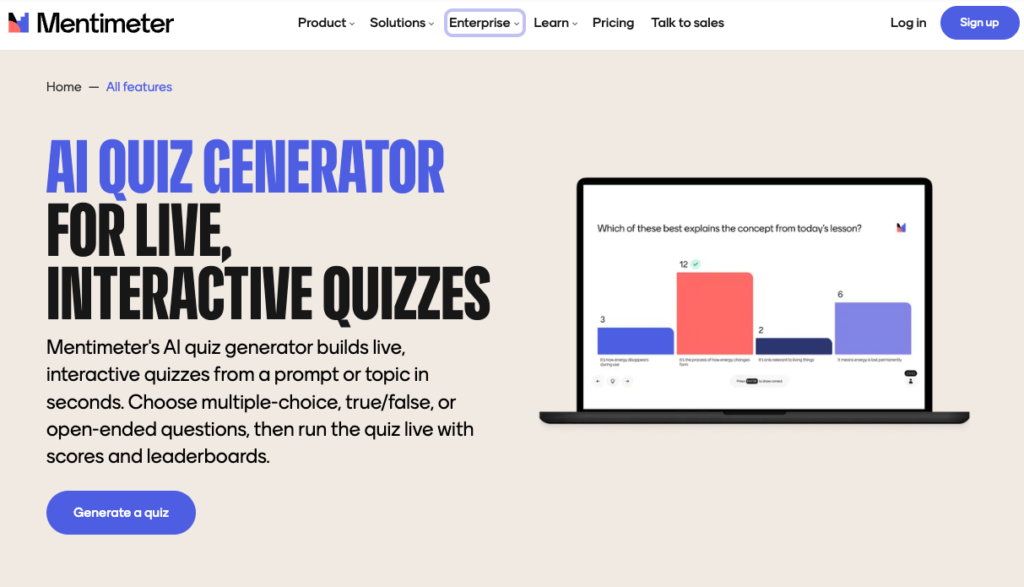
In a Quiz Competition, participants join from their phones or computers using a code or link. The presenter moves the group through the questions in real time, scores build across the quiz, and leaderboards can show the top participants.
This works for a trainer checking comprehension at the end of a workshop. It works for a teacher reviewing a lesson, a company running a team event, or a presenter who wants the room to participate instead of sitting through another set of slides.
The human role is partly editorial and partly facilitation. You need to verify the questions, decide how difficult the quiz should be, control the pace, and respond to what the room tells you.
Mentimeter can collect identifying information through separate form features, but its quiz workflow is presentation-first. The main outcome is the shared live experience and leaderboard, not a personalized outcome page or an automated email sequence.
Where AI helps most
AI is most useful when it turns source material into something you can see and react to.
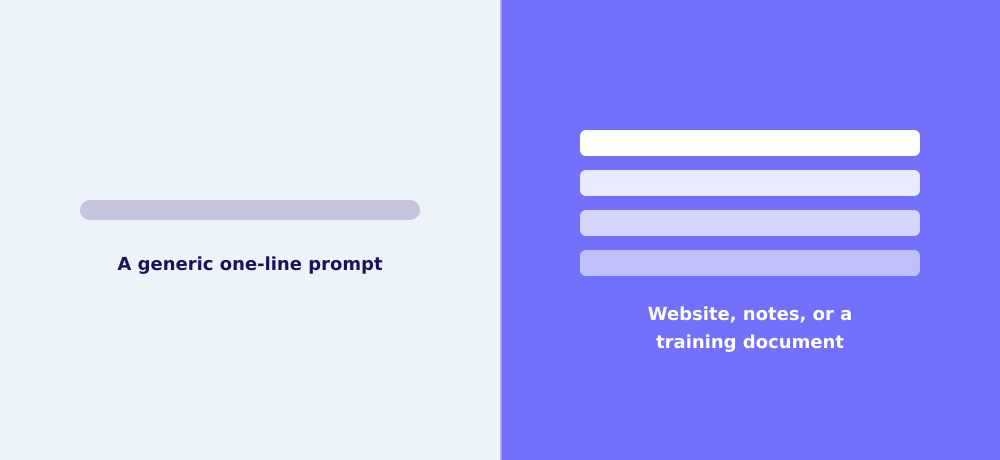
The source matters. A one-line topic produces general material. A clear website, set of notes, product page, training document, or audience brief gives the AI something specific to work from.
That is the advantage of Interact reading a business website. The draft can begin with the content, products, services, and point of view the business already has. Quizlet gets the same kind of grounding from good notes. Fillout gets it from focused source text. Mentimeter gets it from a prompt that explains the audience and purpose.
What AI still cannot decide for you
AI should replace the empty page, not the expert judgment.
If people ask you the same question over and over in your DMs, consultations, sales calls, classes, or workshops, you are the person who knows why they ask it and what a helpful answer sounds like. AI can turn that expertise into a draft faster. It cannot decide that the recommendation is true just because the paragraph sounds confident.
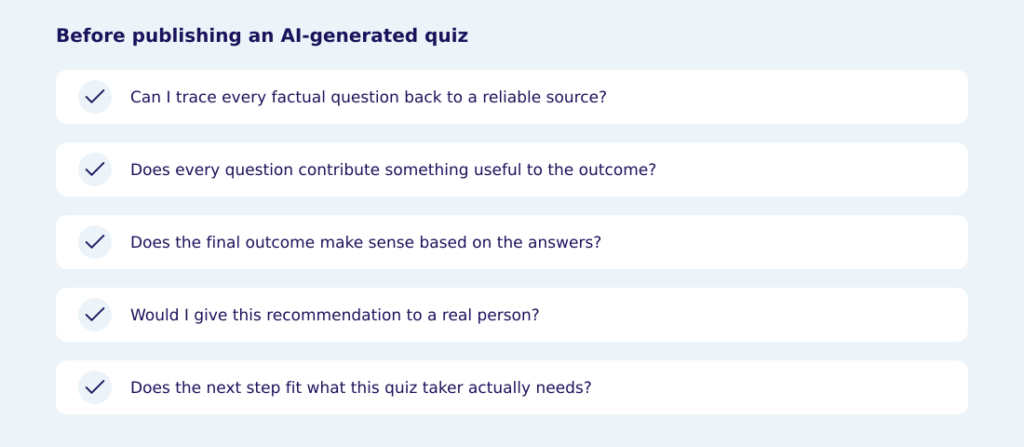
Before publishing an AI-generated quiz, check five things:
- Can I trace every factual question back to a reliable source?
- Does every question contribute something useful to the score or outcome?
- Does the final outcome make sense based on the answers that led to it?
- Would I give this recommendation to a real person?
- Does the next step fit what this quiz taker actually needs?
If one of those answers is no, keep editing.
Which AI quiz maker should you choose?
- Choose Interact if you want AI to turn business context into a complete quiz with personalized outcomes and a lead generation path.
- Choose Fillout if you want to generate a quick knowledge quiz, configure the scoring, and keep customizing it inside a flexible form builder.
- Choose Quizlet if you want to turn study material into a practice test with a score and answer review.
- Choose Mentimeter if you want a class, team, workshop, or event audience to take the quiz together live.
Start by deciding what you want someone to receive after the quiz. Then choose the system designed to produce that experience.
Frequently asked questions
Can ChatGPT create a quiz?
A chat model can draft titles, questions, answer choices, and outcomes. Unless it is connected to a quiz platform or you build the experience yourself, you still need to move that content into software, connect the logic, design the quiz, and publish it. A dedicated AI quiz maker reduces that assembly work.
Can AI create a complete quiz?
Yes, but complete means different things. It could mean a scored knowledge check, a personal practice test, a live presentation, or a business quiz with personalized outcomes. Look at the object the AI produces, not only the promise that the tool uses AI.
Can an AI quiz maker match my brand voice?
AI can use your existing content to create a closer starting point. Interact can use a website or pasted text as context, which helps the draft reflect your subject matter, products, services, and language. You should still edit it. A context-aware first draft is not a perfect copy of your voice.
Are AI-generated quiz questions accurate?
They can be, but you should not assume they are. Verify every factual question and correct answer against the source material. Be especially careful with health, legal, financial, educational, and other high-stakes subjects.
Can an AI quiz maker generate leads?
AI can reduce the work of creating the quiz. It does not create traffic or audience interest. For lead generation, you still need an audience, an opt-in, a result people care about, and a useful follow-up. Interact is built to put those pieces around the quiz.
Should I publish an AI-generated quiz without editing it?
No. Treat the generated quiz as a useful first draft. Review the title, questions, answers, scoring or correlations, outcomes, facts, recommendations, and next step before a real person sees it.
The bottom line
For a business, the biggest benefit of AI is not that it writes instead of you. It gives you a relevant starting point so you can spend your time applying expertise instead of assembling the entire quiz from scratch.
Build a business quiz with Interact AI
If you want to create a personality, knowledge assessment, or recommendation quiz from your business context, start with the Interact AI Quiz Maker.